Chaos to Control

Geddon my beauties!

CHAOS TO
CONNECTION

Two apps. One community.
No perfect people required. 💜

Find your space

Meet your mate.
Find your people.

Some days you need a conversation. Some days you need people who get it. These two spaces from Chaos to Control are here to help you take your next small step.

You don’t need to have it all figured out before you arrive.

Choose what you need today

Matey

A space to talk

Talk or type to Matey, an AI companion for everyday conversation and reflection. Go at your own pace.

Matey can make mistakes. It does not provide clinical assessment, emergency intervention or guaranteed human monitoring.


Open MateyMatey privacy information

Keep your space close

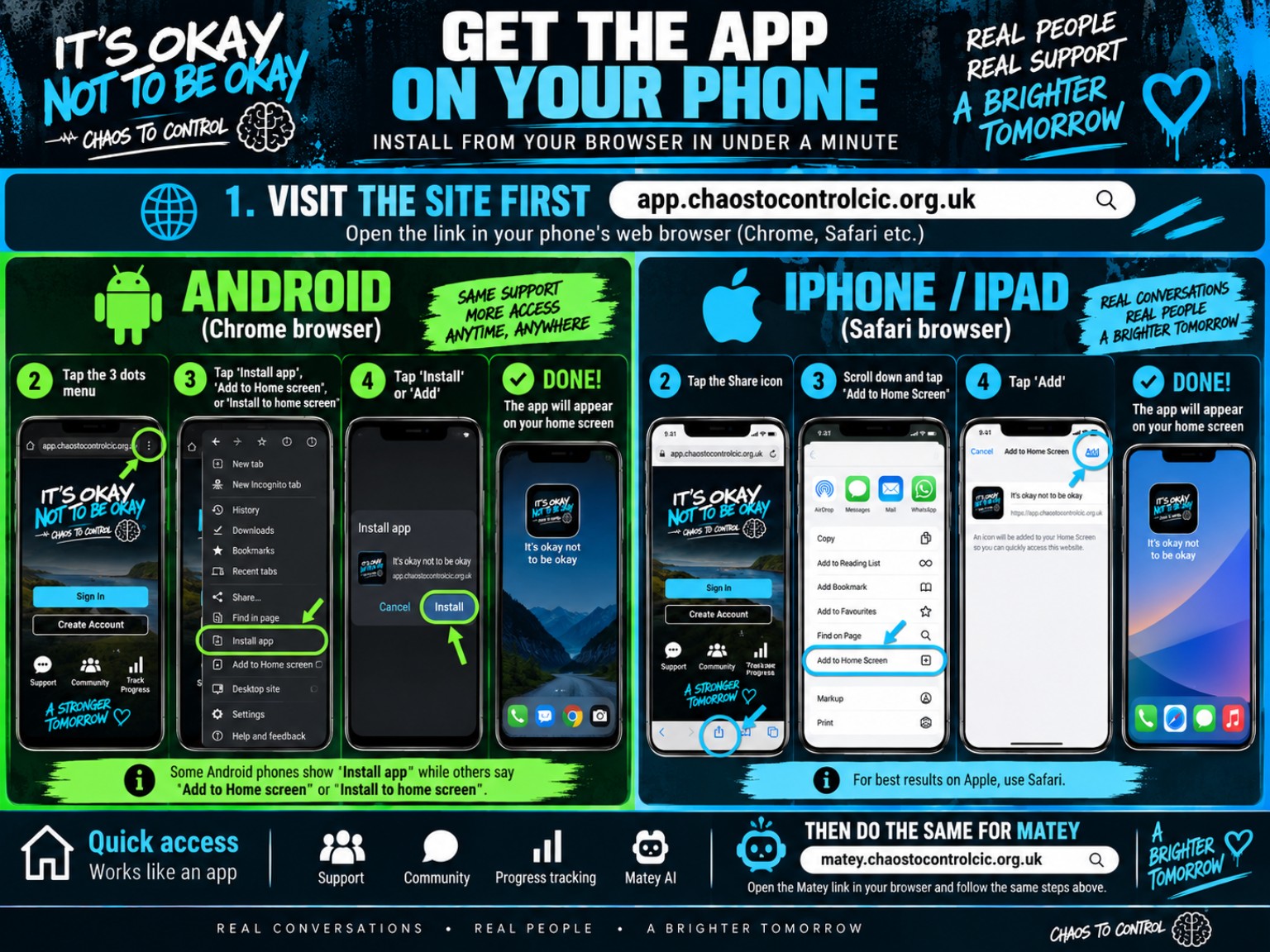
Use either app in your browser, or add it to your home screen. They are separate apps, so repeat these steps for each one you want.

Android

  1. Open the app in Chrome.
  2. Open the browser menu.
  3. Choose Install app or Add to Home screen and follow the prompts.

iPhone or iPad

  1. Open the app in Safari.
  2. Tap Share.
  3. Choose Add to Home Screen, then Add.

Menu wording varies by device and browser. If installation isn’t available, you can keep using the browser.

See the installation guideIllustrated home-screen installation guide; the equivalent steps are written above.

You belong here. Take it one step at a time.

If someone is in immediate danger, call 999. For someone to listen, Samaritans is available on 116 123.

Back to Chaos to Control